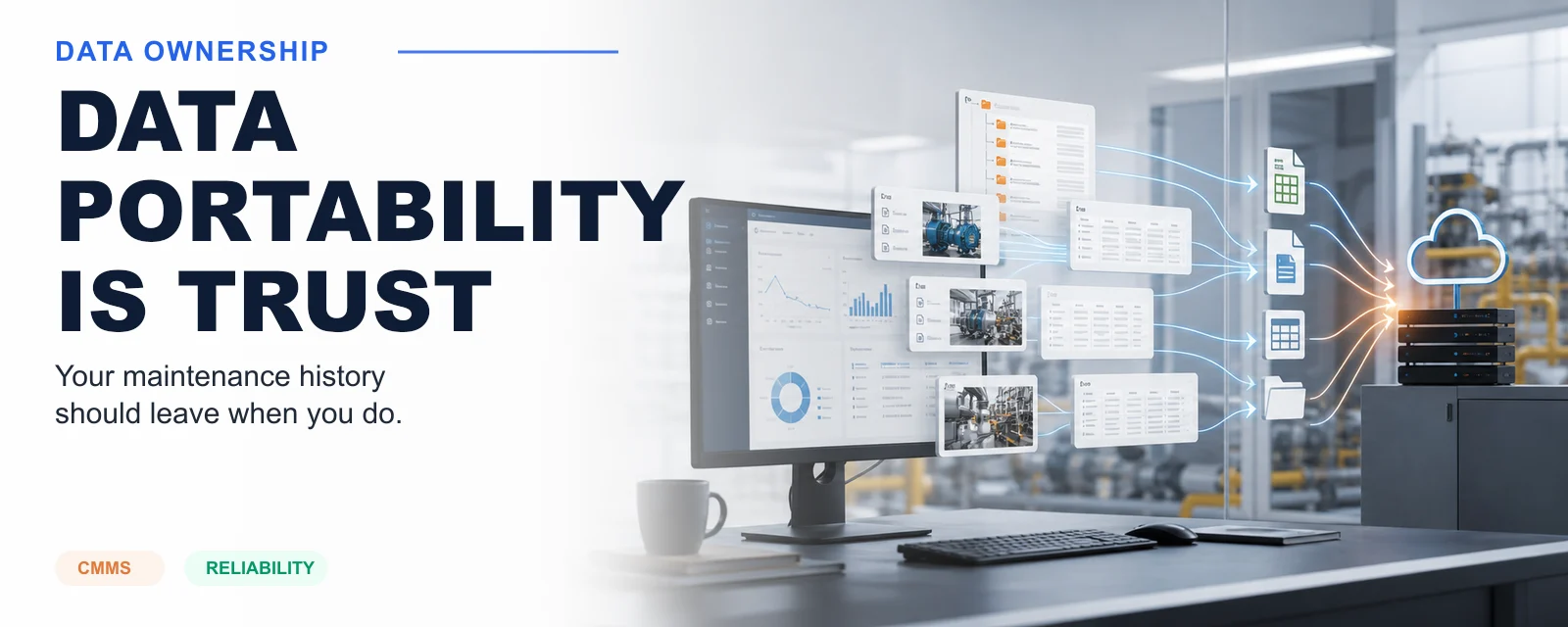
Data portability sounds like an IT checkbox until the day you need it.
Then it becomes the relationship.
A CMMS holds the operating memory of a facility: assets, locations, work orders, PM history, failure codes, parts usage, meter readings, attachments, warranties, closeout notes, and sometimes decades of decisions. If that data is difficult to export, incomplete outside the vendor's interface, or expensive to recover, the buyer is not just using software. They are renting access to their own history.
That is why data portability is a trust signal.
Lock-in is usually quiet
Vendor lock-in does not always look like a contract that says "you cannot leave." It usually looks smaller.
Exports exist, but only as PDFs. Attachments are separate. Asset hierarchy is flattened. Custom fields are missing. Work order history exports without comments. Failure codes lose their labels. APIs are available only on expensive plans. Bulk export requires a services engagement. The renewal arrives before the migration can be finished.
Each piece can be explained away. Together, they change the buyer's leverage.
Researchers and regulators often describe portability as a way to reduce switching costs and improve competition. That framing is useful, but for maintenance teams there is another point: portability protects operational continuity.
If you cannot move your maintenance history, you cannot safely change systems.
What should be portable
A serious CMMS export should include more than a list of assets.
At minimum, buyers should expect:
- Asset records, including hierarchy, parent-child relationships, classes, criticality, and status.
- Location and site structure.
- Work orders, including status history, labor, parts, notes, attachments, and failure data.
- PM templates, schedules, job plans, procedures, and assigned assets.
- Parts, vendors, inventory locations, transactions, and reorder settings.
- Meter readings and inspection readings.
- Documents, photos, manuals, warranties, and QR or barcode identifiers.
- Users, roles, and audit records where legally and operationally appropriate.
- A data dictionary that explains fields, IDs, enums, and relationships.
The format matters too. A folder of PDFs is not a useful export. Machine-readable files with stable IDs and relationships are useful. CSV is not perfect, but it is readable, inspectable, and easy to load into another system. API access is even better when the customer needs repeated extraction or integration.
Portability changes vendor behavior
When a vendor knows a customer can leave without losing their history, the relationship has to stand on product quality, service, pricing, and trust.
That is healthy.
The opposite is fragile. If a product keeps customers mainly because migration is painful, the vendor has less pressure to improve. The customer has less room to negotiate. The maintenance team has to tolerate workflow issues because the cost of leaving is too high.
That is not partnership. That is dependency.
How Sympl treats export
Sympl · CMMS gives free CSV export on every plan because the data belongs to the operator.
That is not a generosity feature. It is a product principle. The CMMS should earn retention by being useful, not by making exit painful.
The same idea shapes the data model. Asset hierarchy, work history, PMs, failure codes, and attachments should not be trapped as presentation artifacts. They should be represented as structured records that can be exported, inspected, and moved.
Portability also makes integrations safer. A customer that can export cleanly can integrate cleanly. The same discipline that supports migration also supports reporting, analytics, AI grounding, and cross-product handoff from Sympl · Project into Sympl · CMMS.
What buyers should ask
Before buying a CMMS, ask the uncomfortable questions:
- Can we export all of our data without a paid services project?
- Are attachments included?
- Are parent-child asset relationships preserved?
- Are custom fields included?
- Can we export work order notes, failure codes, and closeout details?
- Is the format machine-readable?
- Do we get a data dictionary?
- Is API access available without moving to an enterprise-only tier?
- Can we test an export before signing?
The answer tells you what kind of vendor you are dealing with.
Data portability does not mean you plan to leave. It means you are free to stay for the right reasons.